 '">
'">
🤖 What is Arduino?
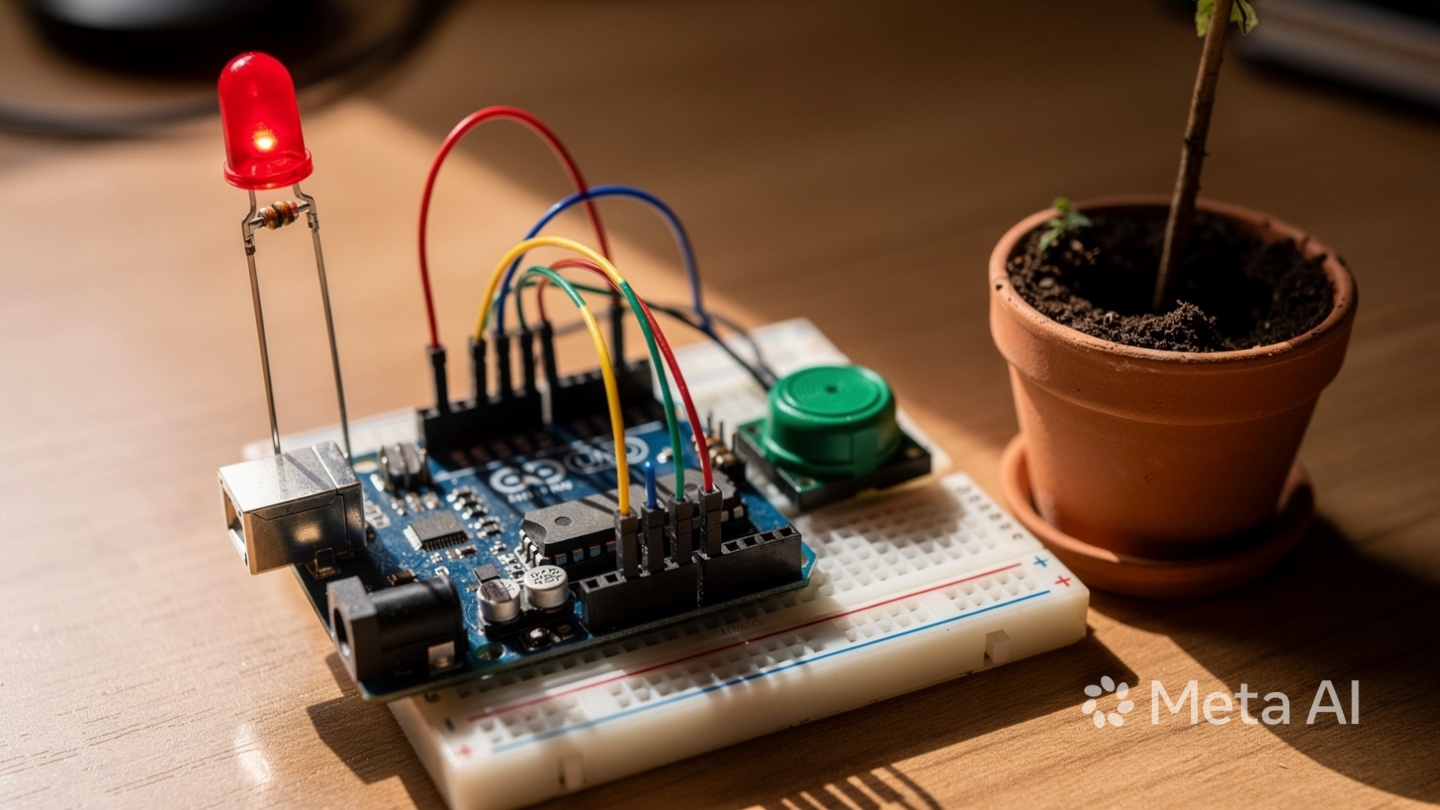
Arduino is a small, affordable computer that can sense the world around it (using sensors) and control things like lights, motors, or buzzers. Think of it as the "brain" of an electronic project. You tell it what to do by writing simple instructions (code) on a regular computer, then upload those instructions to the Arduino.
Every year, Kenyan farmers lose crops because they water too much (causing root rot) or too little (causing drought stress). This project solves that problem by creating an automatic warning system: when soil gets too dry, a red LED lights up or a buzzer sounds. You are building a real "smart farming" device used by commercial farms worldwide.
Arduino Uno Board
The "brain" of your project. Cost: 1,500-2,500 KES at electronics shops (Luthuli Avenue, Nairobi) or online (Jumia, Kilimall).
Alternative: Arduino Nano (smaller, cheaper at 800-1,200 KES) or any compatible clone.
Soil Moisture Sensor Module
Two metal prongs that you stick into soil. They measure how much water is present. Cost: 200-400 KES.
How it works: Wet soil conducts electricity more easily than dry soil.
LED + 220-ohm Resistor
LED lights up when soil is dry. Resistor protects LED. Cost: 10-20 KES total.
Buzzer (optional)
Makes sound when soil is dry. Cost: 50-100 KES.
Jumper Wires + USB Cable
Coloured wires connect components. USB cable connects Arduino to computer. Cost: 150-300 KES.
Small pot with soil
For testing the sensor.
💰 Total cost: 2,000-3,500 KES (one-time investment). FREE alternative: Use Tinkercad Circuits simulator (free, web-based).
🔌 Connection Guide (Follow Exactly)
Soil Moisture Sensor → Arduino:
- VCC pin (power) → 5V pin on Arduino
- GND pin (ground) → GND pin on Arduino
- DO (Digital Output) pin → Pin 7 on Arduino
LED → Arduino (with resistor):
- LED long leg (positive) → 220-ohm resistor → Pin 8 on Arduino
- LED short leg (negative) → GND pin on Arduino
Buzzer (optional) → Arduino:
- Buzzer positive (+) → Pin 9 on Arduino
- Buzzer negative (-) → GND pin on Arduino
 '">
'">
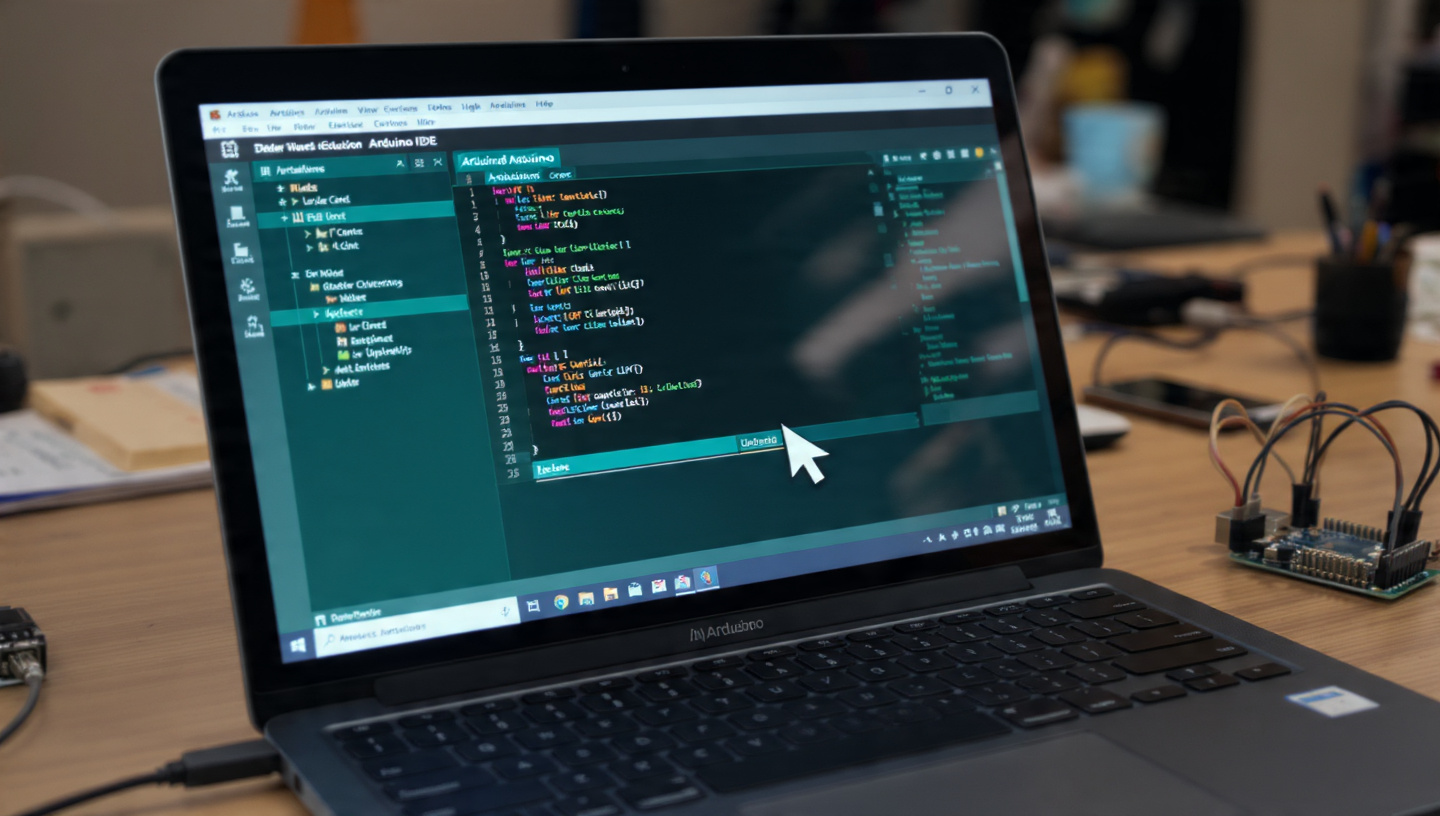
Download Arduino IDE
Go to arduino.cc/en/software and download the free Arduino IDE for your computer. Install it.
Connect Arduino to Computer
Use USB cable. A green light on Arduino should turn on.

Select Board and Port
Tools → Board → Arduino Uno. Then Tools → Port → Select the COM port that appears.
Copy the entire code below. Paste into Arduino IDE, then click the Upload button (right arrow).
// SIMPLE SOIL MOISTURE SENSOR - FOR BEGINNERS
int sensorPin = 7;      // Soil sensor on pin 7
int ledPin = 8;         // LED on pin 8
int buzzerPin = 9;      // Buzzer on pin 9

void setup() {
  pinMode(sensorPin, INPUT);
  pinMode(ledPin, OUTPUT);
  pinMode(buzzerPin, OUTPUT);
  Serial.begin(9600);
}

void loop() {
  if (digitalRead(sensorPin) == 0) {
    Serial.println("SOIL IS WET - No alarm");
    digitalWrite(ledPin, LOW);
    digitalWrite(buzzerPin, LOW);
  } else {
    Serial.println("SOIL IS DRY - WATER YOUR PLANT!");
    digitalWrite(ledPin, HIGH);
    digitalWrite(buzzerPin, HIGH);
  }
  delay(500);
}
 '">
'">
Open Serial Monitor
Tools → Serial Monitor. Set baud rate to 9600.
Test with dry soil
Insert sensor into dry soil. LED turns ON. Serial Monitor shows "SOIL IS DRY".
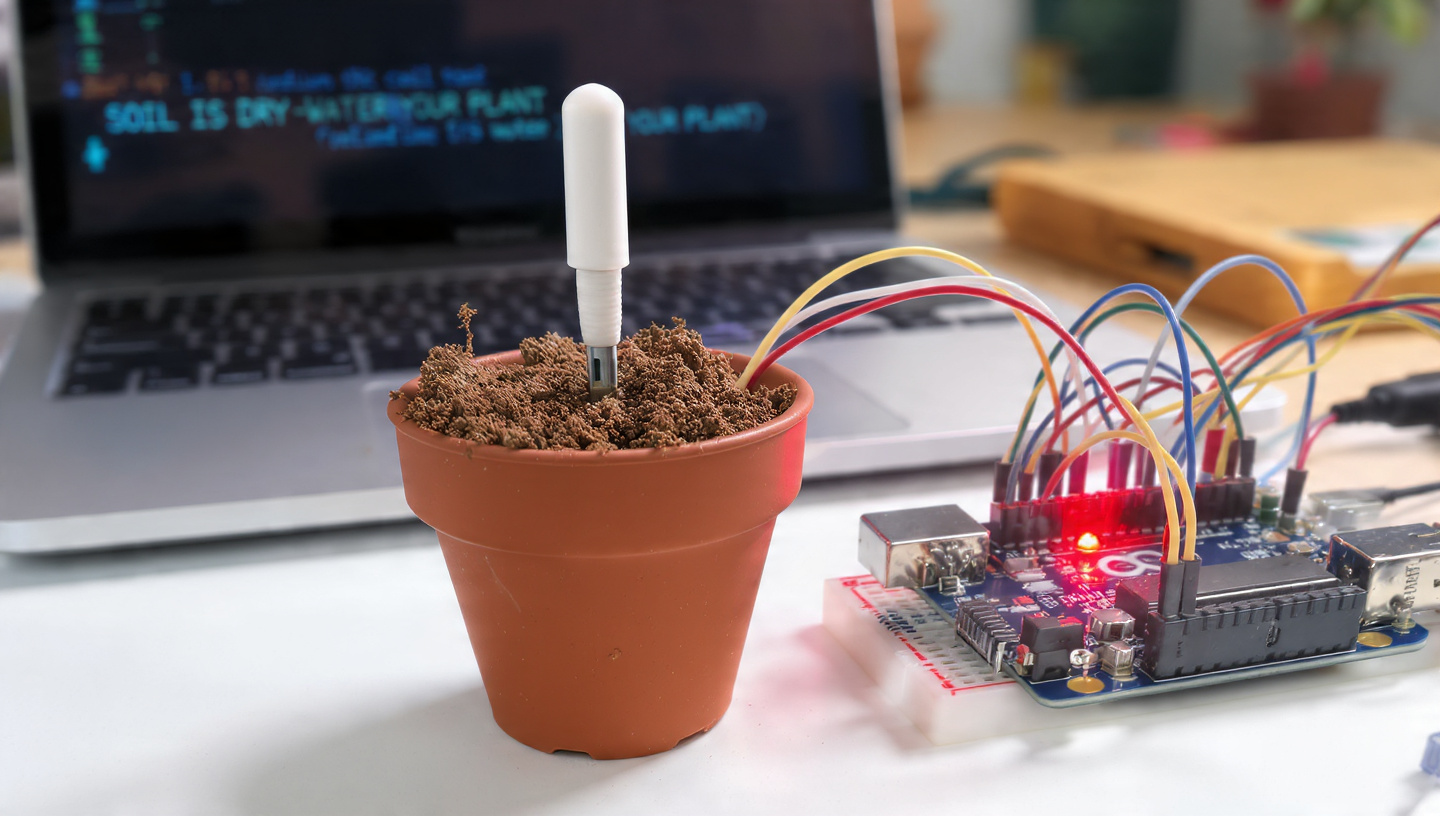 '">
'">Test with wet soil
Add water to soil. LED turns OFF. Serial Monitor shows "SOIL IS WET".
 '">
'">- ❌ Upload error "Board not found": Check USB connection and select correct Port.
- 💡 LED always on: Sensor reading reversed. Swap LOW and HIGH in code for LED.
- 🌱 Sensor always reads "dry": Check VCC to 5V and GND to GND. Loose wires are #1 problem.
- 🔌 No red light on Arduino: USB cable may be power-only. Try different cable.
| Date | Activity | Success? | Notes |
|---|---|---|---|
| _______ | Collected materials | _______ | _______ |
| _______ | Wiring connections | _______ | _______ |
| _______ | Installed Arduino IDE | _______ | _______ |
| _______ | Uploaded code | _______ | _______ |
| _______ | Test with dry soil | _______ | _______ |
| _______ | Test with wet soil | _______ | _______ |
| _______ | Final demonstration | _______ | _______ |
| Criteria | Exceeds (5) | Meets (4) | Approaching (3) | Below (2-1) |
|---|---|---|---|---|
| Hardware Assembly | All components correct, neat, stable | Wiring correct but slightly messy | Wiring has errors | Non-functional |
| Code Functionality | Uploads without errors, accurate sensor reading | Works with minor bugs | Code uploads but sensor fails | Does not upload |
| Understanding | Explains each component and code line | Explains most components | Partial explanation | No explanation |
| Documentation | Complete log + photos + extra feature | Log with 3+ photos | Minimal documentation | None |
- Add LCD screen displaying "Water Plant!"
- Add relay + water pump for automatic watering
- Modify code to show moisture as percentage
- Create poster on smart farming in Kenya
Kenyan companies like Twiga Foods, SunCulture, and Illuminum Greenhouses use soil sensors. Entry-level IoT technicians earn 30,000-50,000 KES/month. Experienced engineers earn 100,000+ KES/month.


🖨️ Print or Save as PDF
Take this guide to your lab. Copy code directly from the printed page.